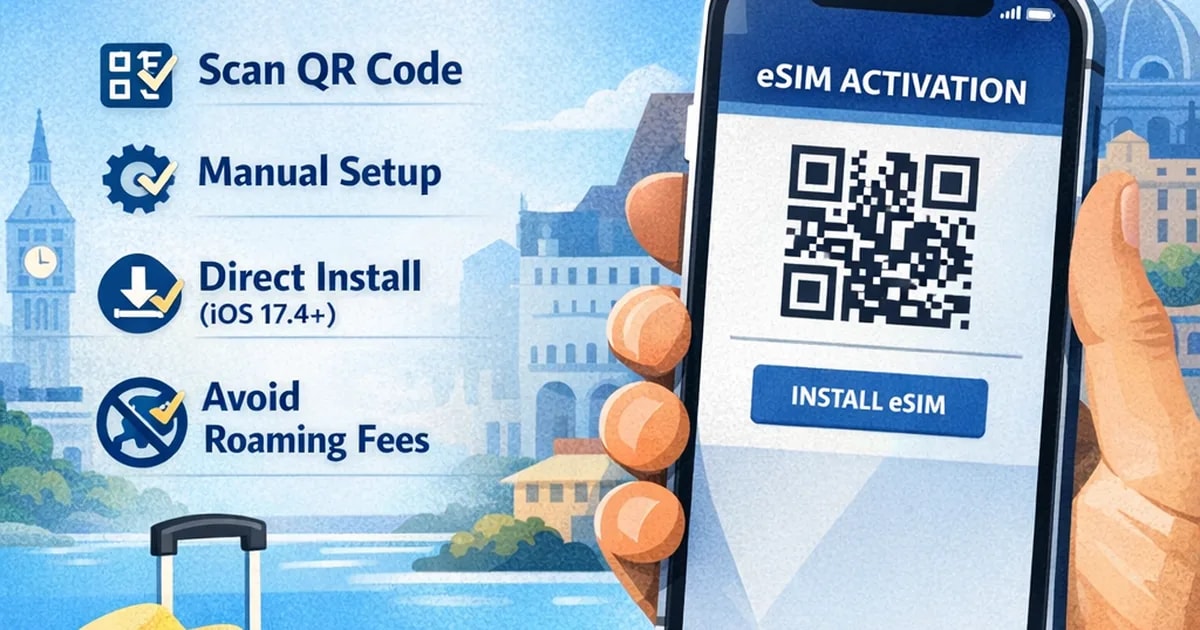
In this guide, you’ll learn:
What eSIM is on iPhone
How to activate eSIM using a QR code
How to install eSIM manually
How to use Direct Installation (iOS 17.4+)
How to avoid roaming charges
🔍 What Is an eSIM on iPhone?
An eSIM (embedded SIM) is a digital SIM card built into your iPhone.
Instead of inserting a physical SIM card, you install your mobile plan digitally.
Benefits:
No physical SIM needed
Activate instantly
Keep your primary number
Perfect for travel
Most iPhones from iPhone XS and newer support eSIM.
✅ Before You Activate Your eSIM
Make sure:
Your iPhone supports eSIM (Check compatibility)
Your device is carrier unlocked
You have a stable Wi-Fi connection
You have your QR code or activation details
📲 Method 1 — Activate eSIM Using a QR Code (Most Common)
Open Settings
Tap Cellular (or Mobile Data)
Tap Add eSIM
Select Use QR Code
Scan the QR code from another screen
Tap Continue
Label your plan (ex: “Esibyte Travel”)
Select your eSIM for Mobile Data
Turn OFF “Allow Cellular Data Switching”
To connect:
Go to Settings > Cellular
Select your eSIM
Turn the line ON
Enable Data Roaming if required
🔧 Method 2 — Activate eSIM Manually
If QR code doesn’t work:
Go to Settings > Cellular
Tap Add eSIM
Select Enter Details Manually
Paste:
SM-DP+ address
Activation code
Follow on-screen instructions
⚡ Method 3 — Direct Installation (iOS 17.4+)
If your device supports iOS 17.4 or newer:
You may see a Direct Install button in your dashboard.
Simply:
Open the installation page from your iPhone
Tap “Install eSIM”
Follow the prompts
This is the fastest method.
No QR code required.
🌍 When Should You Activate Your Travel eSIM?
Best practice:
Install before departure
Activate data once you arrive
Turn off your primary line’s roaming
This prevents unexpected roaming charges.
❓ Why Is My eSIM Not Working?
Common reasons:
Data roaming not enabled
Wrong line selected for data
Device is locked
QR code already used
💡 Pro Tip for Travelers
Using an eSIM lets you:
Avoid $12–$15/day roaming fees
Keep your WhatsApp number
Stay connected instantly after landing
If you’re traveling soon, make sure your device supports eSIM before your trip.